If you are in the Los Angeles area at the end of February, The Southern California chapter of the ICAA (Institute of Classical Architecture and Art) is presenting a lecture entitled “Authenticity & Historic Design in Architectural Millwork” on February 26, from 6:00 to 8:00 PM.
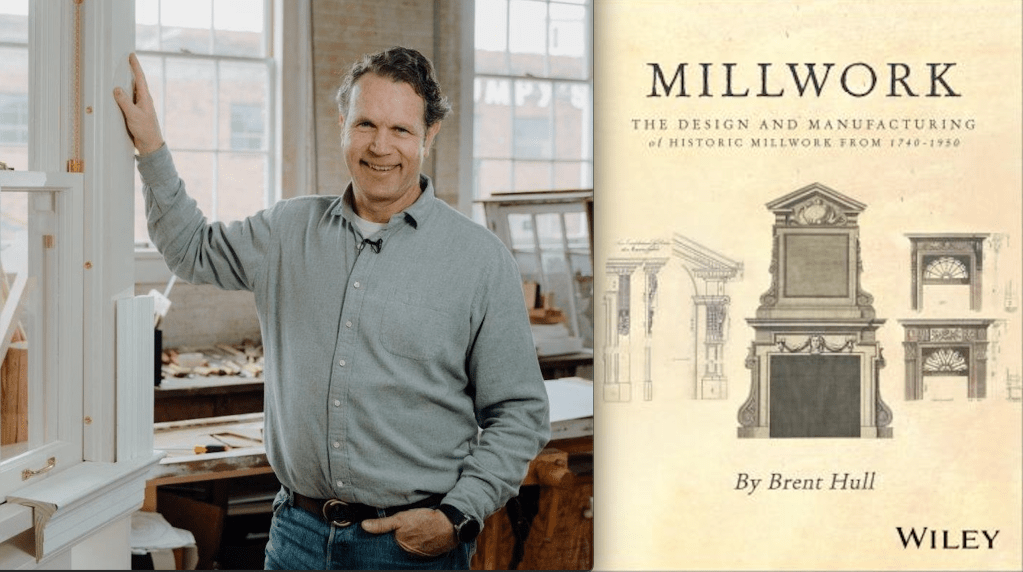
The presenter will be Brent Hull, a nationally recognized expert on historic design and architectural authenticity. He will present information and inspiration from his new book “The Design and Manufacturing of Historic Millwork From 1740-1950” published by Wiley & Sons. 2025.
Hull is an award-winning master builder and expert in historically accurate architectural millwork and mouldings. For over thirty years his craftsmanship has enhanced nationally registered properties and homes across the country. Hull honed his expertise at Boston’s North Bennet Street School where he trained in the art of traditional building and historic preservation prior to founding Hull Millwork & Hull Homes in Fort Worth, Texas.
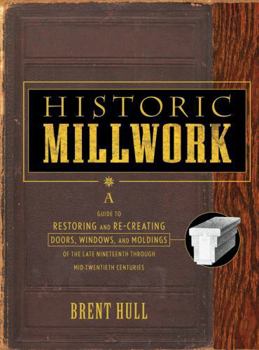
He has authored five books on historic millwork and architectural design including his most recent work, which is a follow-up to his previous book, “Historic Millwork”, published in 2003. His current book includes moulding of the mid-18th century and early 19th century periods, which weren’t covered in the earlier volume.
He will be talking about the stylistic and functional shifts that accompanied the transition from pre-industrial hand-crafted techniques to mechanized production. Hull provides a framework for identifying period-specific profiles and understanding the design logic that shaped moulding development across two centuries of American building tradition. Participants will gain practical knowledge for making informed specification decisions for restoration and classical new build projects.
If you aren’t familiar with the ICAA, they are a great resource for connecting with architects and artists who are interested in and trained in the classical arts tradition, both in restoration work and new construction that honors the early periods. They have active chapters all over the country.
Brent will be giving his presentation iat several other chapters around the country so you might check the ICAA calendar if you don’t live on the west coast.
Here is the link to the main ICAA page to find out more about the organization and learn about events in other parts of the country:
Jeesh, it’s been ten years since my last gift guide and I’m getting it out a little late this year, but some of the same items are still here on the list, mainly the classic tools and books that never become obsolete, (like a lot of software programs do).
I don’t receive any money from these recommendations. These are books and tools that I own and use often.
My Must-Have Tools For Film Designers
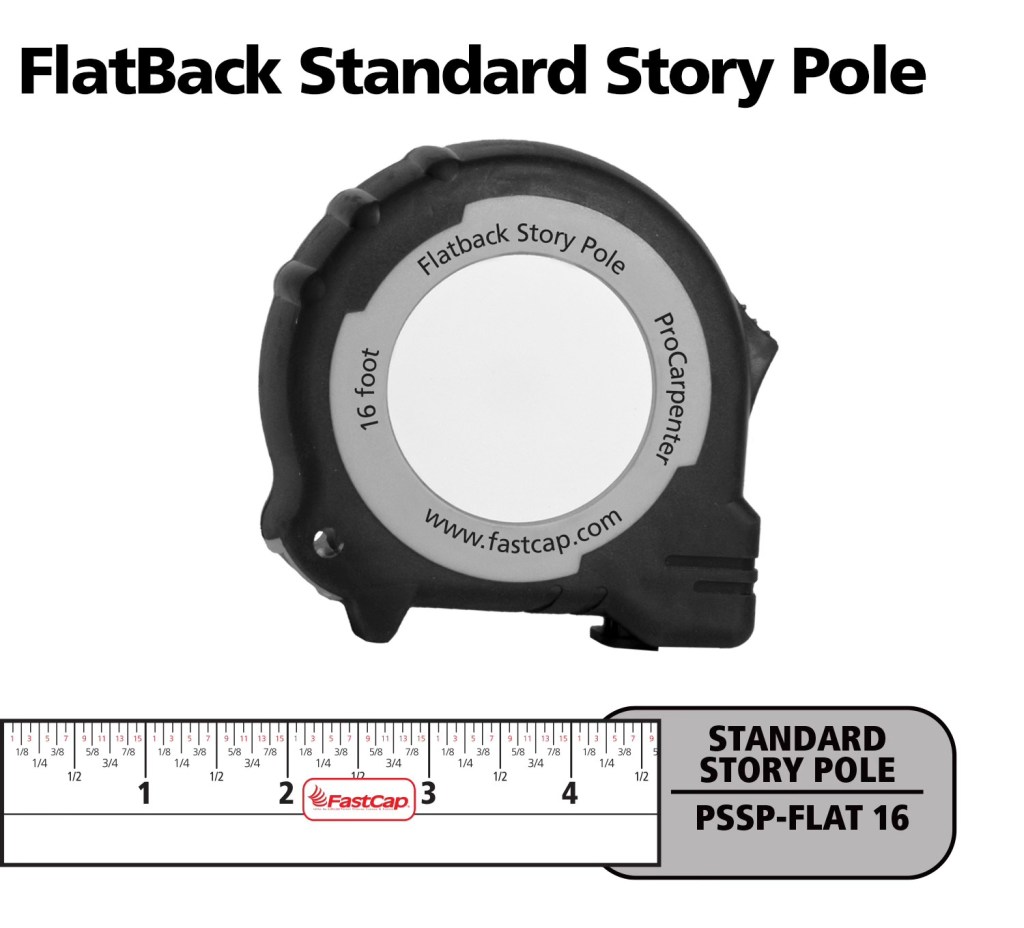
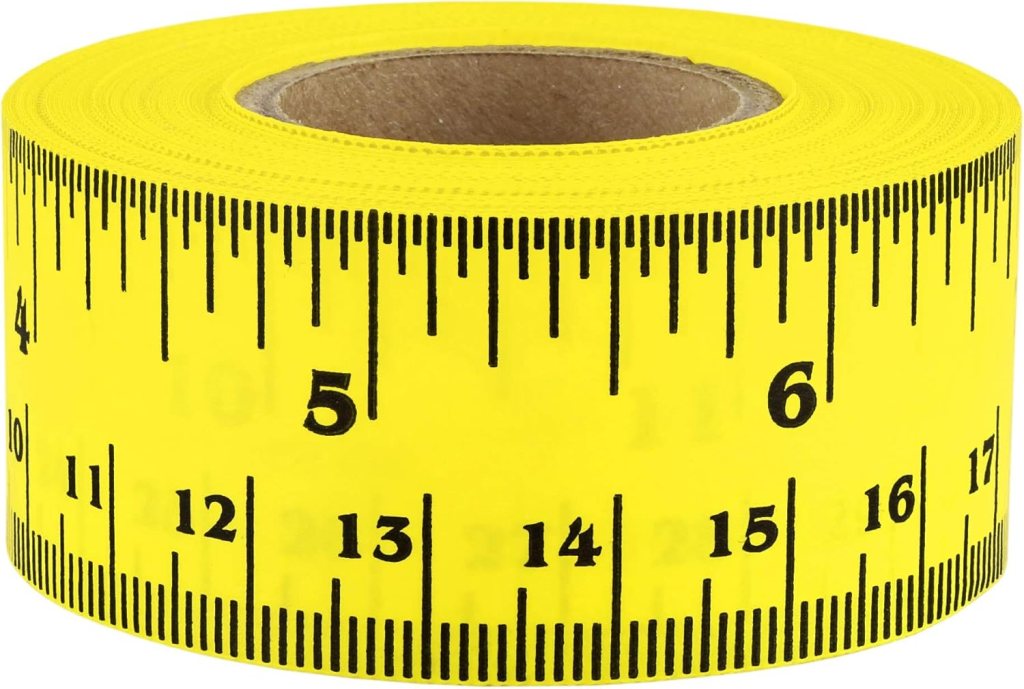
FastCap Flat Back Tape – You can not only measure round or curved surfaces but it has a blank area to write on for use as a story pole. – $10.00
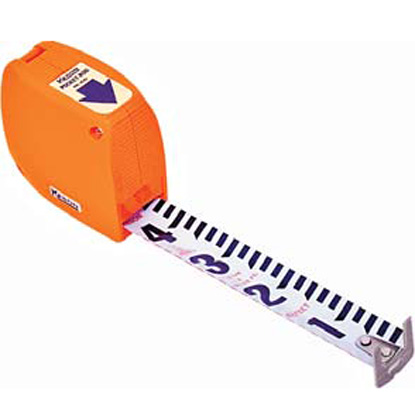
Keson Pocket Rod– These are so essential for site surveys that I have four of them. They come in Architect and Engineer models. – $20.00
6″ Digital Calipers – Like these, there are many manufactures. (Avoid any priced under $20.00.) – Must-have tool for doing photo scaling (see article) – about $24.00
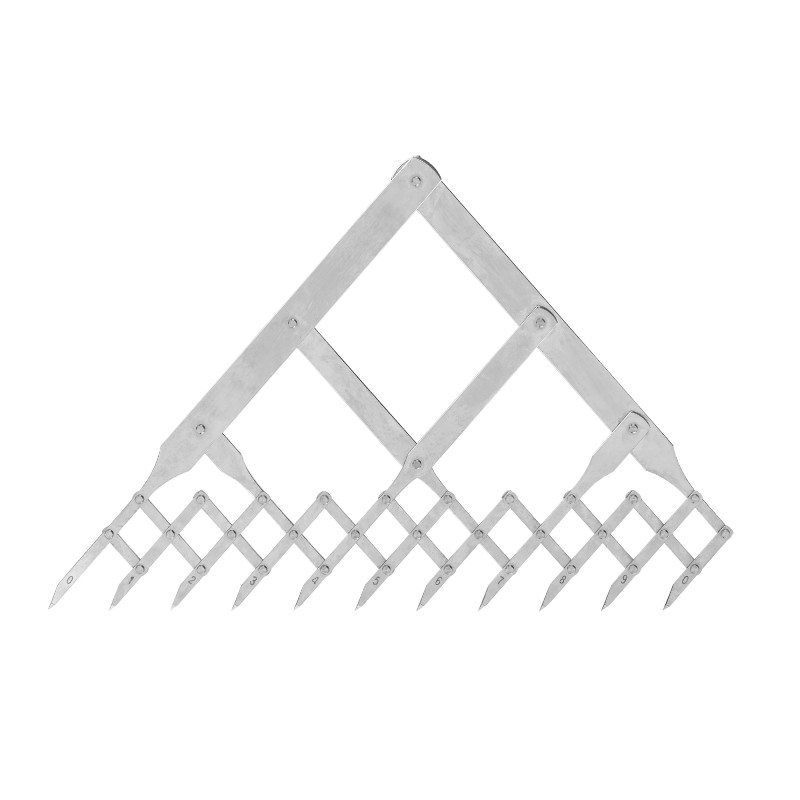
Equal Space Dividers – great for not only photo scaling but for designing in general. They run the gamut in price from these to these. $220 to $24.00
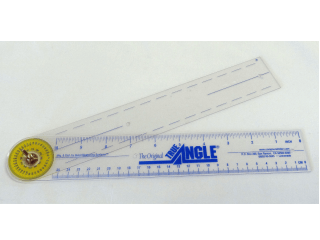
True Angle – Multi-use tool for measuring and transferring angles. lightweight. – 12″ -$16.00
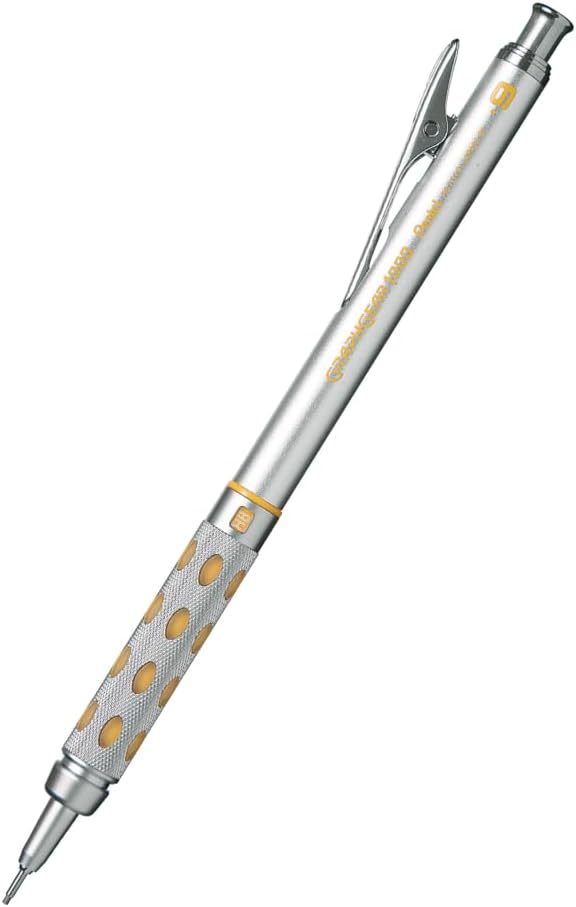
GraphGear 1000 – Mechanical pencils, my new favorite brand. These are great because the barrel sleeve retracts into the pencil to protect it. Comes in .3, .4, .5, .7, and .9mm leads. About $9.00
Compass – So many to choose from, (and a lot of crappy ones are in the mix). This one is a good all-around basic, practical compass that will last a while. $14.00
Still my favorite design and furniture book publisher. Here are my recommendations:
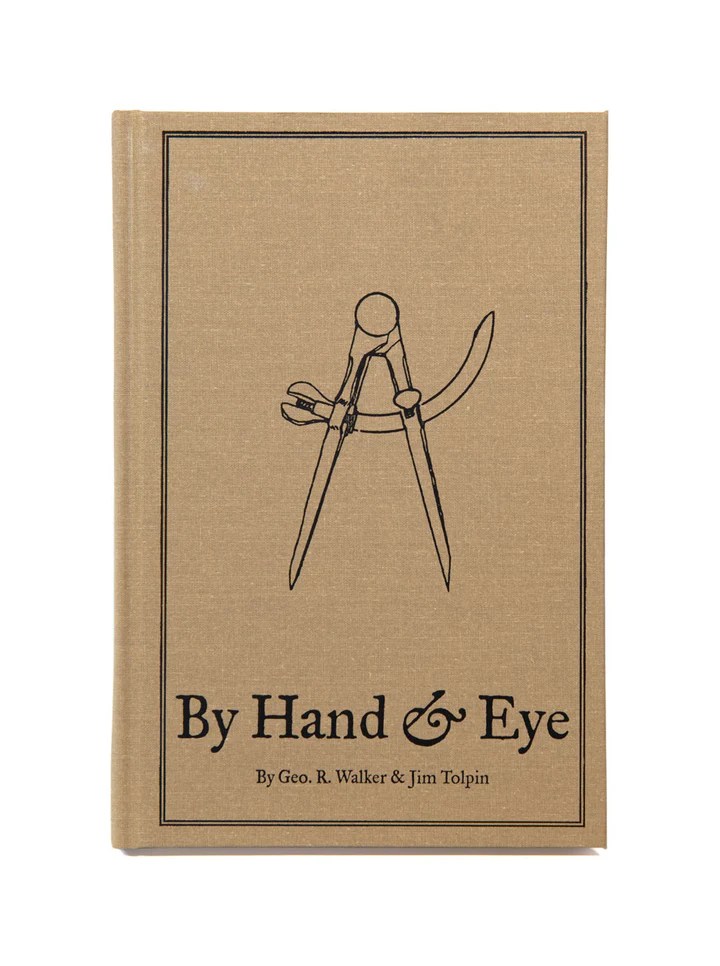
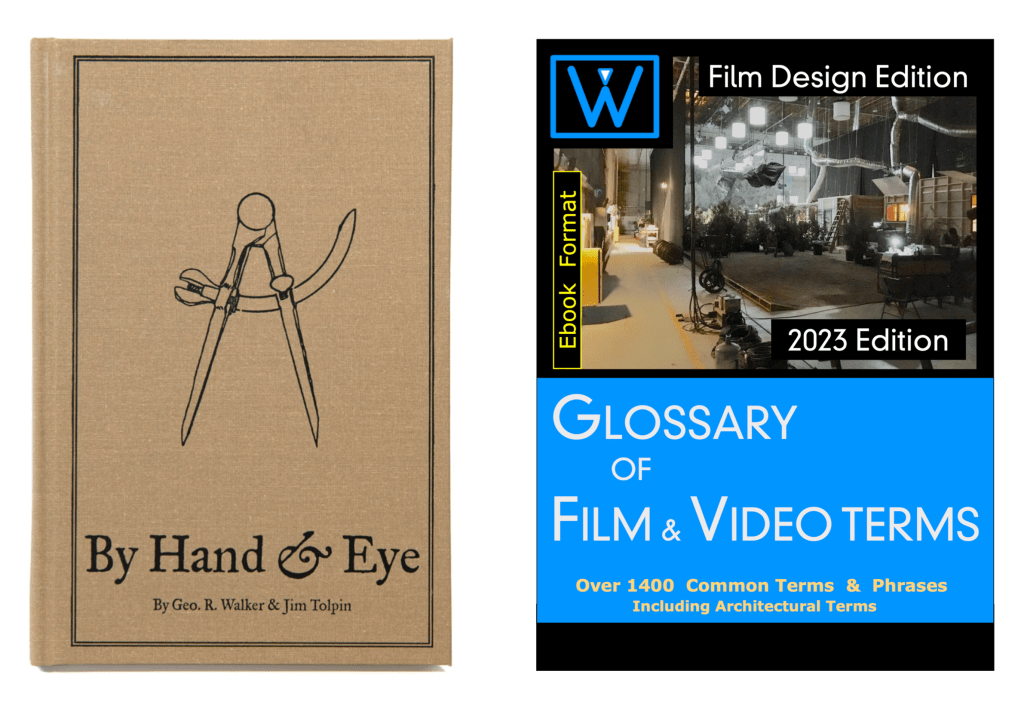
By Hand & Eye – $51.00. Another gem from Lost Art Press, this is probably one of the best design books written in the last 100 years. It outlines the world of design without a rule and using only dividers and proportional methods. I covered this in a previous post and always recommend it. Buy this and a good pair of second hand dividers from Ebay and you will completely change the way you think about design.
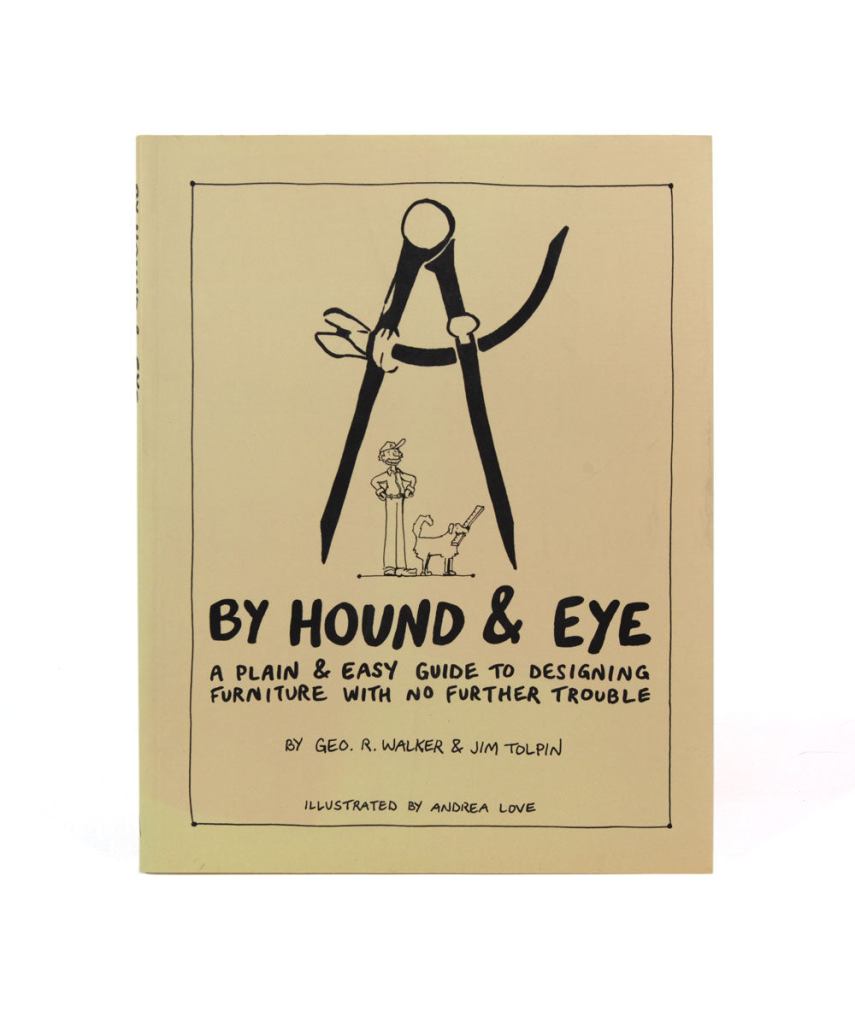
By Hound & Eye – $31.00. A companion workbook to By Hand & Eye.
A Field Guide To American Houses – Virginia Savage McAlester
Stair Builders Handbook – T.W. Love
Backstage Handbook – Paul Carter
American Cinematographers Manual – ASC Press
The VES Handbook of Visual Effects – VES Society
Designer Drafting For The Entertainment World – Patricia Woodbridge
The Classical Orders Of Architecture – Robert Chitham
Illustrated Cabinet Making – Bill Hylton
Styles Of Ornament – Alexander Speltz
McKay’s Building Construction – W.B. McKay
Neufert – Architects’ Data – Granada Publishing
Geometry Of Design – Kimberly Elam
Really, Really Last Minute Gifts
When you realize you’ve really screwed up and forgotten someone and have no time to run to the store, much less order anything, you can always gift a good app.
Log onto the Apple or Android store and gift your so-important-you-forgot-about-them friend one of these apps and your reputation will be saved:
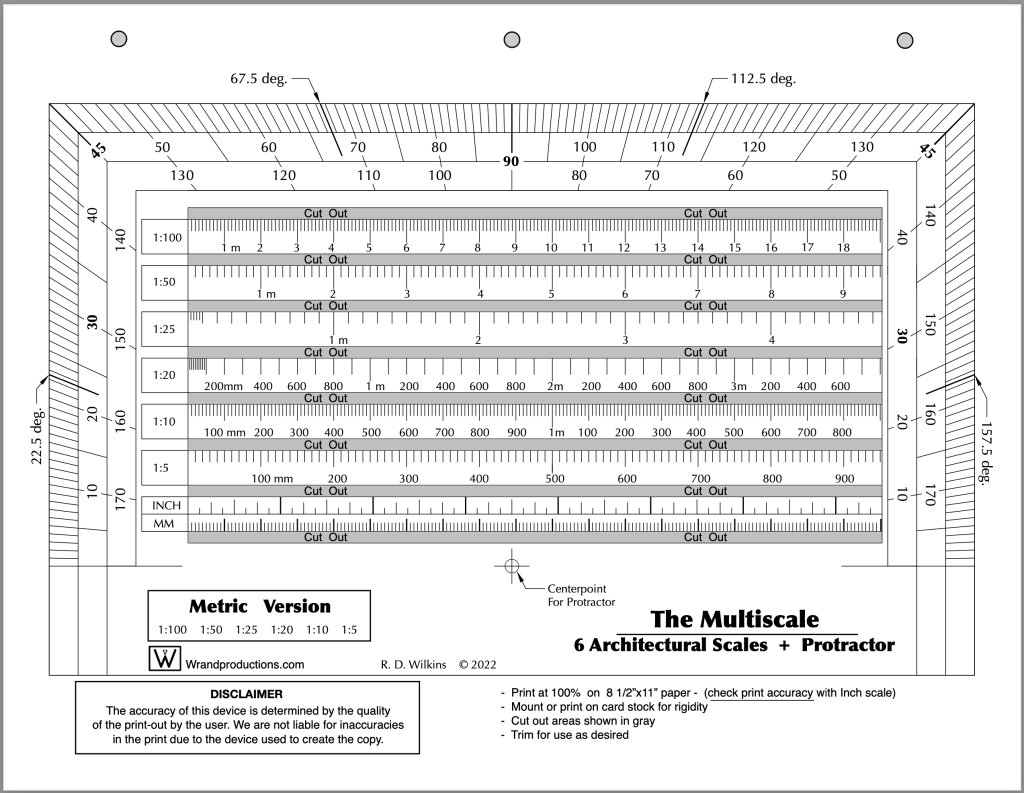
Last week I posted the Imperial version of a new tool I’ve updated recently. I promised I’d post the Metric version of the tool this week so here it is. You’ll find the Imperial version here if you missed the post.
This is one of the design books on my Top Ten list. Authors Jim Tolpin and George R. Walker examine the role of proportion in design from ancient times to the present. While the emphasis is on furniture design, they show how much of the world is governed by simple proportions, noting how ratios such as 1:2; 3:5 and 4:5 were ubiquitous in the designs of pre-industrial artisans.
This is not a recipe book but a guide to a new way of looking at design through the eyes of centuries of artists.
Published by Lost Arts Press, this is just one of a whole line of fantastic books on design and hand woodworking that they offer.
You’ll receive a link after you purchase the course to download the PDF.
This new first edition is the only one of it’s kind; a film glossary created for film designers. Whether you are a novice or an industry professional, you’ll find useful information in this book that doesn’t exist in any other film glossary,. As well as nearly 1500 up-to-date terms on production, cameras, crew positions, post-production, legal aspects, stage equipment, and industry slang, there are hundreds of entries on architecture, hardware, set construction, and more.
The 2023 Ebook is due to be available in mid-December. Series purchasers will be the first to get the book when in becomes available and will receive a download link.
The 10-Week Course Description
This is the only time the series will be offered at this price and it will return to the normal price when the series begins on October 31.
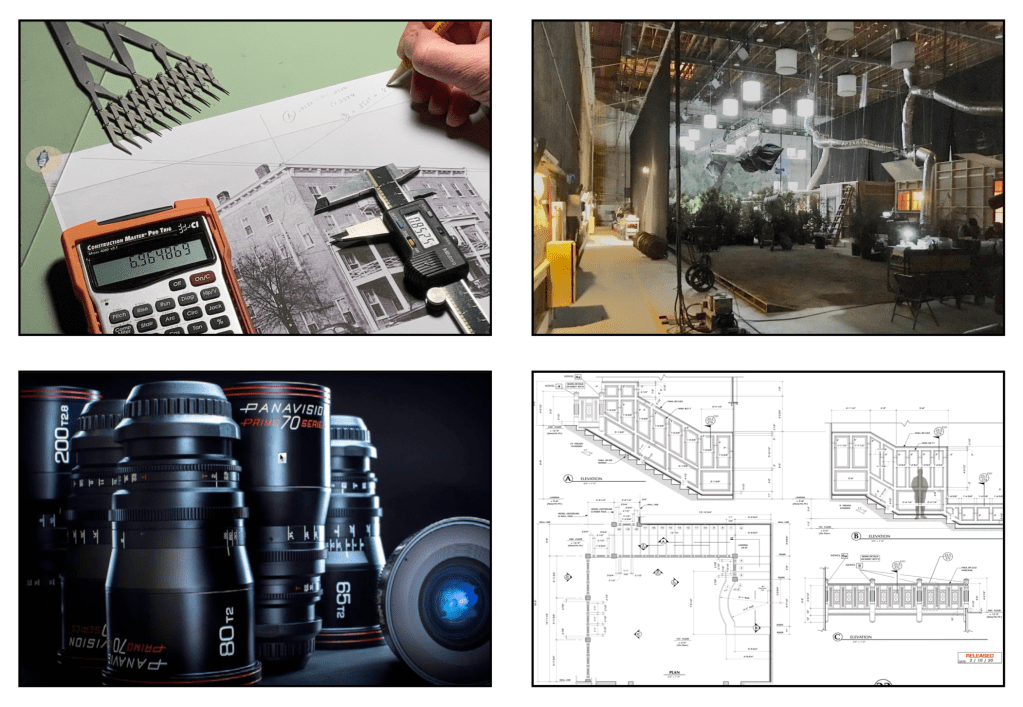
This self-paced online series covers the fundamental skills that a Set Designer in the feature film and television industry here in Los Angeles are expected to have.
This is similar in difficulty to a one-semester graduate-level program at a university, but much of the material presented here is not covered at most colleges and is normally only available at the professional level. I’ve been developing this series for several years, basing it on classes I teach at the Art Directors Guild in Los Angeles.
Here is an outline of the material that will be covered in the series:
Week 1 – The Basics
Standard drafting conventions and symbols for set construction drawings. Set construction: typical flat construction techniques and variations.
Week 2 – Cameras & Optics
Understanding basic camera and lens terms: aspect ratios, focal length, depth of field, sensor sizes, exposure, stage lighting, using camera angle templates.
Scaling from photographs and artwork: calculating dimensions, understanding picture perspective and allowing for lens distortion.
Week 3 – Analyzing the Script / Reference Materials
How to break down a script for set design; using storyboards; techniques for estimating drawing time schedules.
References: using online, printed, and survey photo references; building a reference library on a budget.
Week 4 – Working Drawings
Step-by-step directions on creating proper construction drawings: plans and elevations; details, full-size details, and digital cut files; reflected ceilings and furniture plans; stage spotting plans, and director’s plans.
Week 5 – Door & Window Details
Diagrams and explanations of door and window construction and various adaptations for stage sets; creating accurate-looking period reconstructions; understanding, using, and sourcing hardware.
Week 6 – Stairways
The fundamentals of stair design: types of stairs, stair construction, how the choice of stair type affects design, and designing elliptical stairs.
Week 7 – Mouldings & Staff Elements
Understanding and using the Classical Orders of architecture; the proportions of mouldings based on style type; using a moulding catalog and creating built-up moulds.
Using plaster staff and compo elements in a set; designing with brick skins and textured surfaces.
Week 8 – Backings, Special Effects, & Visual Effects
Using painted and photo backings: The advantages and drawbacks of various types; creating custom backings; how to calculate correct placement distance from the set.
Special effects considerations: replicating fire, water, and wind effects; understanding legal requirements for special effects work on a sound stage; dealing with practical fireplaces.
Visual effects work: shooting with green or blue screens; using LED walls or volumes.
Week 9 – Backlots & Location Surveys
Shooting on studio backlots; shooting on location; proper surveying techniques; assembling a personal survey tool kit.
Week 10 – Physical Models
The advantages of physical study models; determining model scales; various model types and construction techniques.
Class Materials & Videos
Each week there will be tools, charts, and reference material to download as well as video instruction to help you do the exercises and create your portfolio drawings.
Along with the classes, you’ll have access to a private chat area that is only available to students of the series and alumnae who have taken courses previously. Here you’ll be able to meet other designers, discuss class material, get advice on your career, and exchange ideas and experiences from both the classes and real-world entertainment jobs.
Prerequisites:
– You must know how to draft. Drafting ability is essential to effectively completing the course and ending up with a set of professional quality working drawings. I’ll be offering a course on drafting later in 2022 to fulfill this prerequisite.
– Be familiar with CAD software – You are free to use any CAD software you are familiar with. Using software that you are still learning may make the lessons more challenging than you can handle. There is no standard drawing software in the entertainment industry as far as the Art Department is concerned. There are preferences among certain designers but one aspect of the job is a need to create files that can be used by many different other programs. 3D modeling won’t be required for any of the class projects but feel free to work that way if that is part of your usual design process.
There is a 14-day money-back guarantee from the time you begin the series if you change your mind. If you’re unsure about whether the series is right for you, you can schedule a free 15-minute discovery call to talk with me and I’ll be happy to answer any questions you might have.
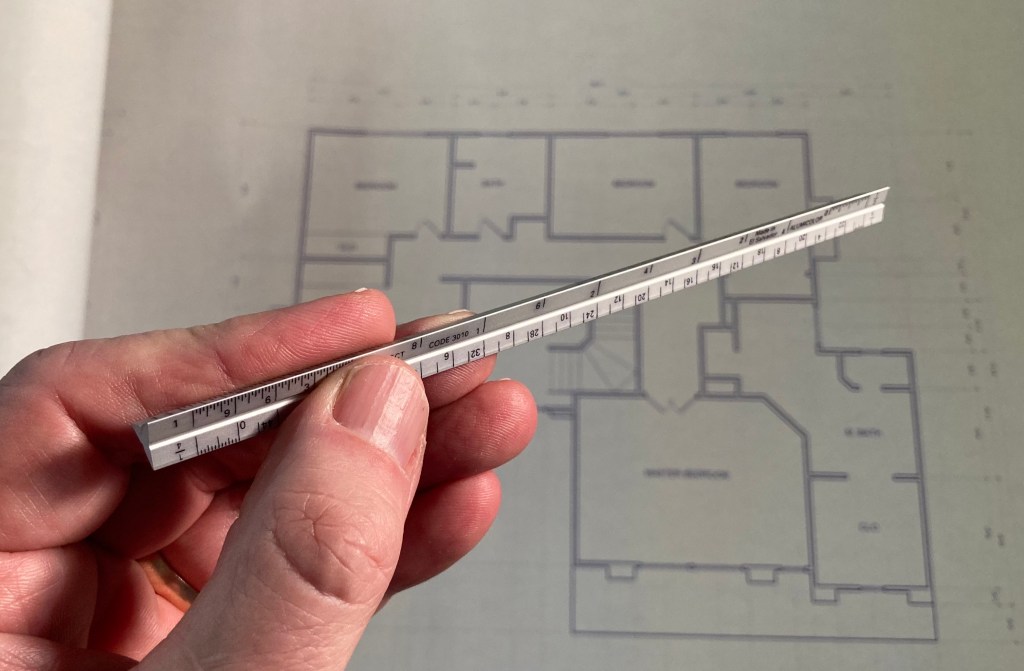
A full-size triangular architects scale isn’t the handiest thing to carry around with you.
I have those miniature versions, the cute ones that are about 6″ long and require a magnifying glass to be sure you’re reading them correctly.
It hurts my eyes to try to read the numbers on these things
After I nearly poked a hole in my chest from having one of these in my pocket, I looked for an alternative that might lessen the chances of a trip to the emergency room after falling on one of these.
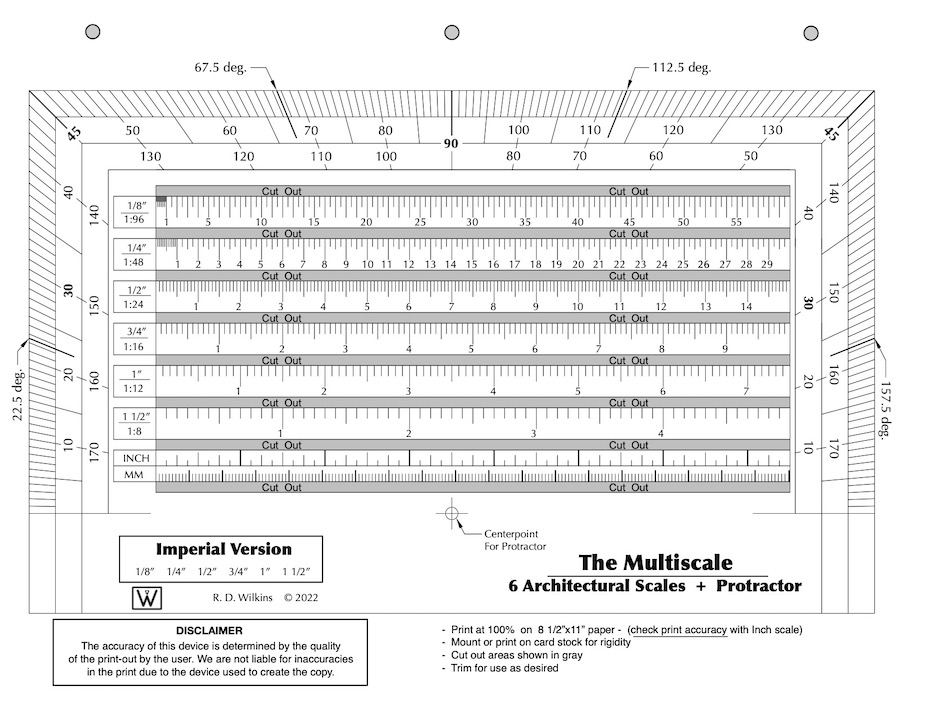
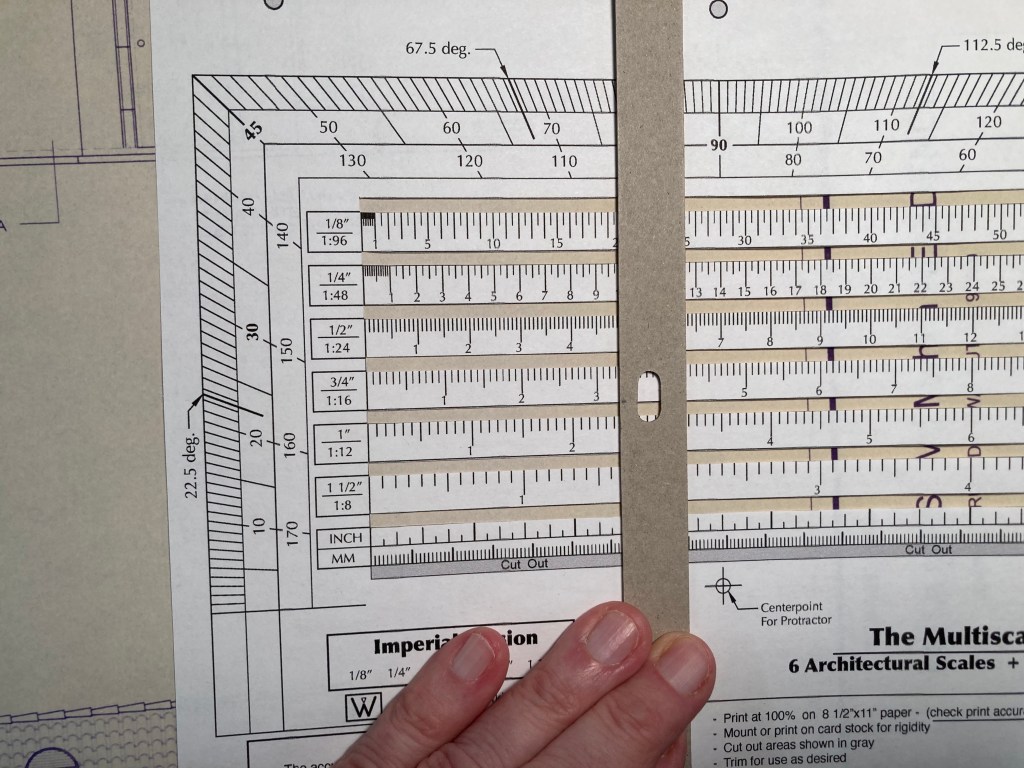
I found an 18th century drafting tool that was a combination scale and liked the concept. So, I updated and revised it to what you see here. It’s a combination of the six standard scales we use for set design and throws in a protractor as well.
A good thing about it is that it’s not engraved on brass or ivory and it fits in a binder or a book, or you can fold it up and put it in your pocket. But, it doesn’t work very well with a lot of folds in it. Best to leave it as flat as possible. Just be sure you print it out at 100%. Check it with the inch scale at the bottom against a known accurate ruler.
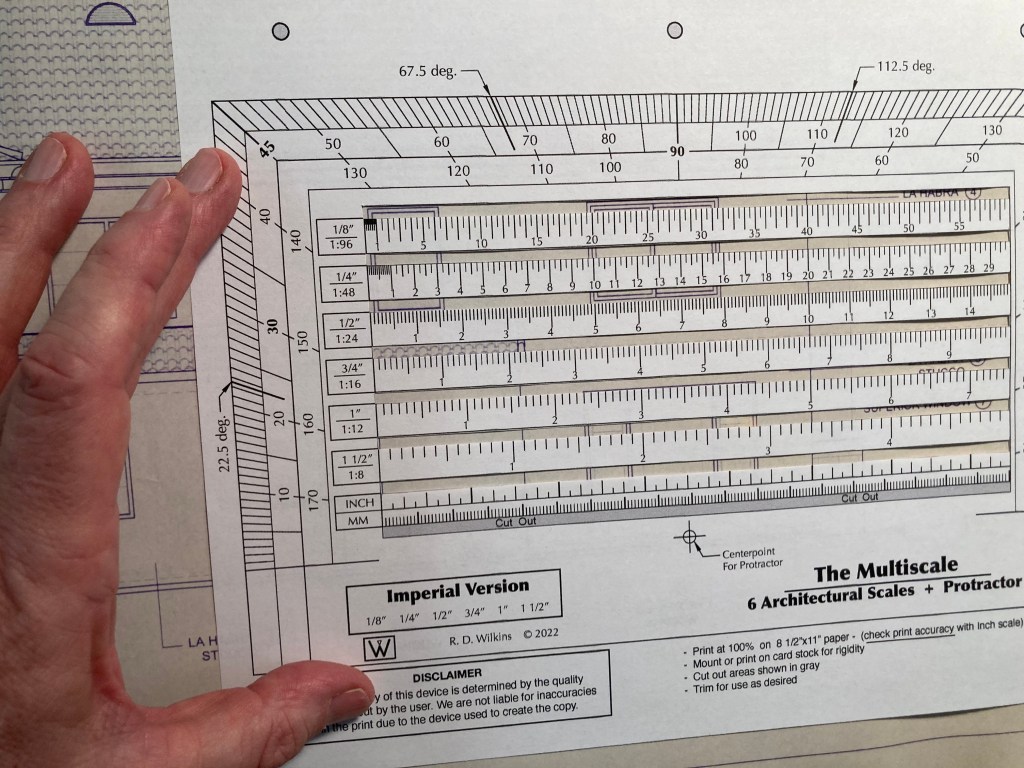
It’s better if you mound it to some thin card stock or manila folder material. Then cut out the little windows between the scales and you’re good to go. Heck, you can even have it printed on a transparency if you want.
Cut out the slots between the scales for use on drawings
Lay a ruler or straight edge vertically on the scales and you have a direct-reading scale conversion calculator. Next week I’ll be posting the Metric version of this tool.
A straight edge aligned vertically will allow you to do quick scale conversions.
Wrand Productions announces it’s 10-Week Set Design Fundamentals Course at a Pre-Sale price of 50% off the regular price. This is the only time the series will be offered at this price and it will return to the normal price when the series begins on October 31.
This self-paced online series covers the fundamental skills that a Set Designer in the feature film and television industry here in Los Angeles are expected to have.
This is similar in difficulty to a one-semester graduate-level program at a university, but much of the material presented here is not covered at most colleges and is normally only available at the professional level. I’ve been developing this series for several years, basing it on classes I teach at the Art Directors Guild in Los Angeles.
Here is an outline of the material that will be covered in the series:
Week 1 – The Basics
Standard drafting conventions and symbols for set construction drawings. Set construction: typical flat construction techniques and variations.
Week 2 – Cameras & Optics
Understanding basic camera and lens terms: aspect ratios, focal length, depth of field, sensor sizes, exposure, stage lighting, using camera angle templates.
Scaling from photographs and artwork: calculating dimensions, understanding picture perspective and allowing for lens distortion.
Week 3 – Analyzing the Script / Reference Materials
How to break down a script for set design; using storyboards; techniques for estimating drawing time schedules.
References: using online, printed, and survey photo references; building a reference library on a budget.
Week 4 – Working Drawings
Step-by-step directions on creating proper construction drawings: plans and elevations; details, full-size details, and digital cut files; reflected ceilings and furniture plans; stage spotting plans, and director’s plans.
Week 5 – Door & Window Details
Diagrams and explanations of door and window construction and various adaptations for stage sets; creating accurate-looking period reconstructions; understanding, using, and sourcing hardware.
Week 6 – Stairways
The fundamentals of stair design: types of stairs, stair construction, how the choice of stair type affects design, and designing elliptical stairs.
Week 7 – Mouldings & Staff Elements
Understanding and using the Classical Orders of architecture; the proportions of mouldings based on style type; using a moulding catalog and creating built-up moulds.
Using plaster staff and compo elements in a set; designing with brick skins and textured surfaces.
Week 8 – Backings, Special Effects, & Visual Effects
Using painted and photo backings: The advantages and drawbacks of various types; creating custom backings; how to calculate correct placement distance from the set.
Special effects considerations: replicating fire, water, and wind effects; understanding legal requirements for special effects work on a sound stage; dealing with practical fireplaces.
Visual effects work: shooting with green or blue screens; using LED walls or volumes.
Week 9 – Backlots & Location Surveys
Shooting on studio backlots; shooting on location; proper surveying techniques; assembling a personal survey tool kit.
Week 10 – Physical Models
The advantages of physical study models; determining model scales; various model types and construction techniques.
Class Materials & Videos
Each week there will be tools, charts, and reference material to download as well as video instruction to help you do the exercises and create your portfolio drawings.
Along with the classes, you’ll have access to a private chat area that is only available to students of the series and alumnae who have taken courses previously. Here you’ll be able to meet other designers, discuss class material, get advice on your career, and exchange ideas and experiences from both the classes and real-world entertainment jobs.
Prerequisites:
– You must know how to draft. Drafting ability is essential to effectively completing the course and ending up with a set of professional quality working drawings. I’ll be offering a course on drafting later in 2022 to fulfill this prerequisite.
– Be familiar with CAD software – You are free to use any CAD software you are familiar with. Using software that you are still learning may make the lessons more challenging than you can handle. There is no standard drawing software in the entertainment industry as far as the Art Department is concerned. There are preferences among certain designers but one aspect of the job is a need to create files that can be used by many different other programs. 3D modeling won’t be required for any of the class projects but feel free to work that way if that is part of your usual design process.
There is a 14-day money-back guarantee from the time you begin the series if you change your mind. If you’re unsure about whether the series is right for you, you can schedule a free 15-minute discovery call to talk with me and I’ll be happy to answer any questions you might have.
 The Designer's Assistant