Most people think of Sketchup as a program that just draws boxes. As a poly-modeler it was always handicapped when it came to modeling compound curved surfaces and even with the built-in Sandbox tools, drawing terrain was never truly easy.
Now there are two different plugins that make not only terrain construction but organic and vehicle construction possible without having the urge to jump out the nearest window. I use both regularly and because they each have different attributes, I think their capabilities really complement each other when you are constructing complex shapes.
Artisan
The first is a plugin called Artisan which is a great solution for creating organic shapes. Created by Dale Martens, who has produced numerous other free plugins including Subdivide & Smooth, has created a set of sculpting tools that work very much like the sculpting tools in Maya and are incredibly easy to learn and use. The site has nice tutorial videos as well as a nice gallery of others work using the plugin. You have a series of settings which allows to to adjust the pressure of the brush, either positive or negative, and after setting the width of the ‘brush’, you drag it over the area to create the sculpted surface. The demo video below will give you an idea of the process.
One of the tools that alone is worth the $39 cost, is a poly-reducer which is a huge help when you import models from a NERB software package like Rhino or Maya. The tool allows you to select how much you want to reduce the poly count of a model to get it down to the size you need. You can also reverse the process and take a low-poly model and increase the detail.
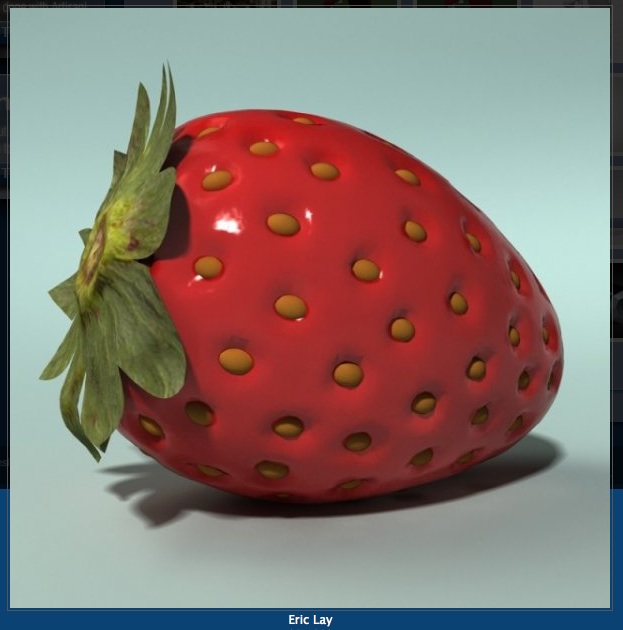
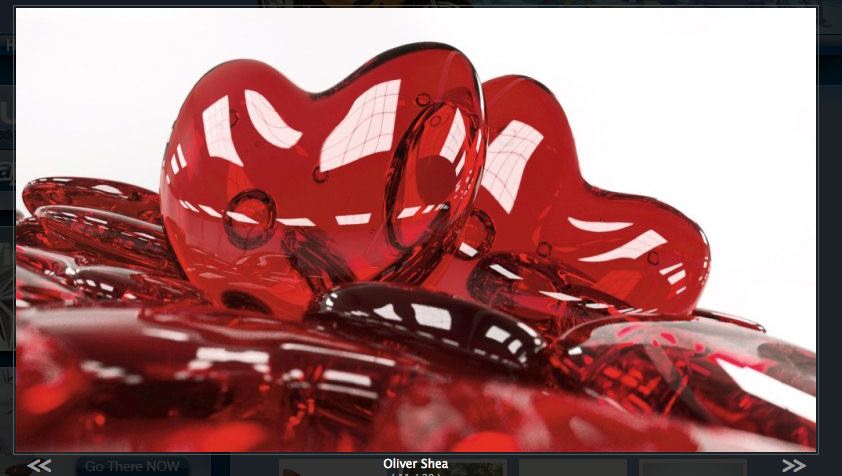
I consider this plugin to be an absolute must for people who want to be able to build anything besides flat walls in Sketchup. Here are some examples of Sketchup models created using Artisan:
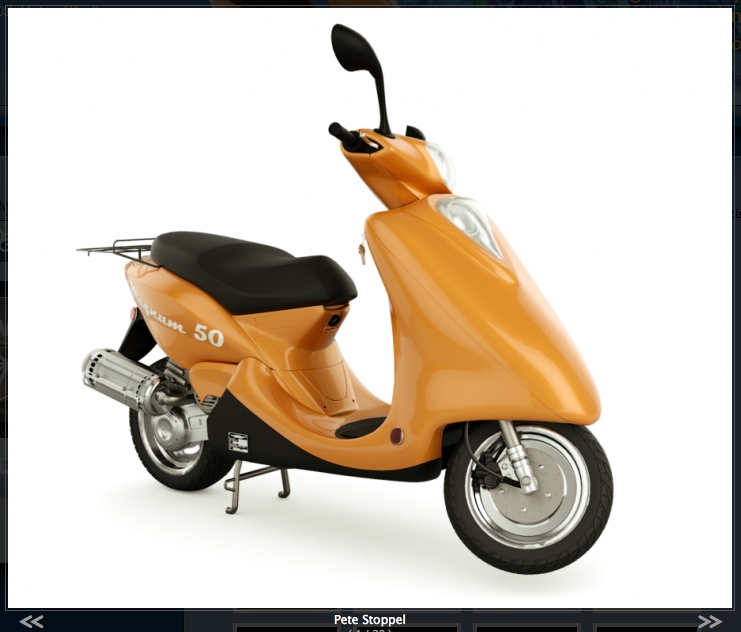
scooter by Pete Stoppel using Artisan
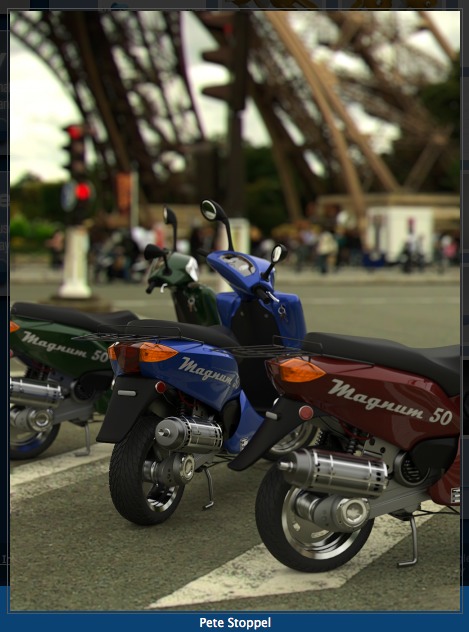
Motorbikes by Pete Stoppel
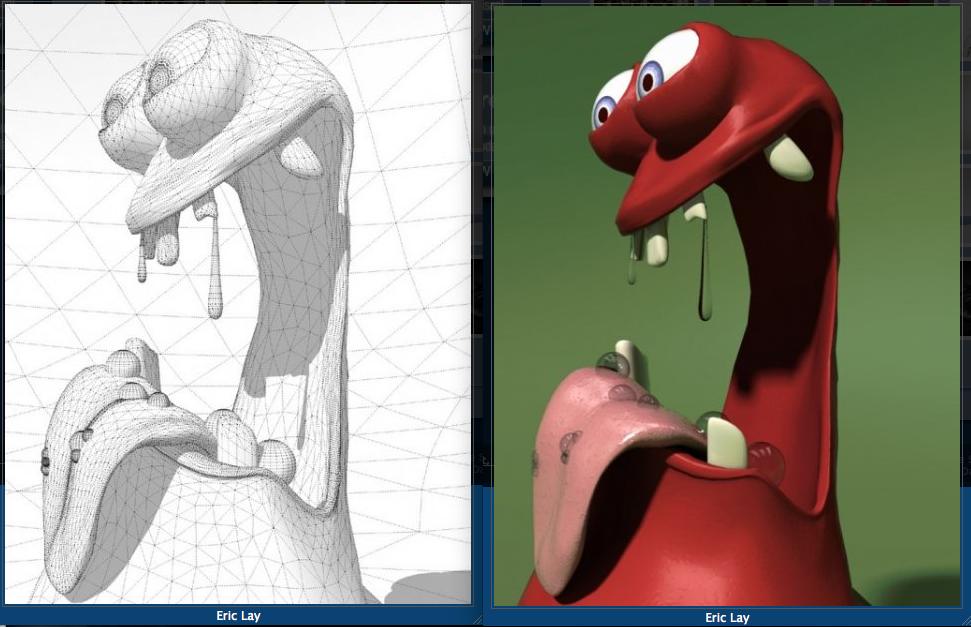
creature by Erik Lay
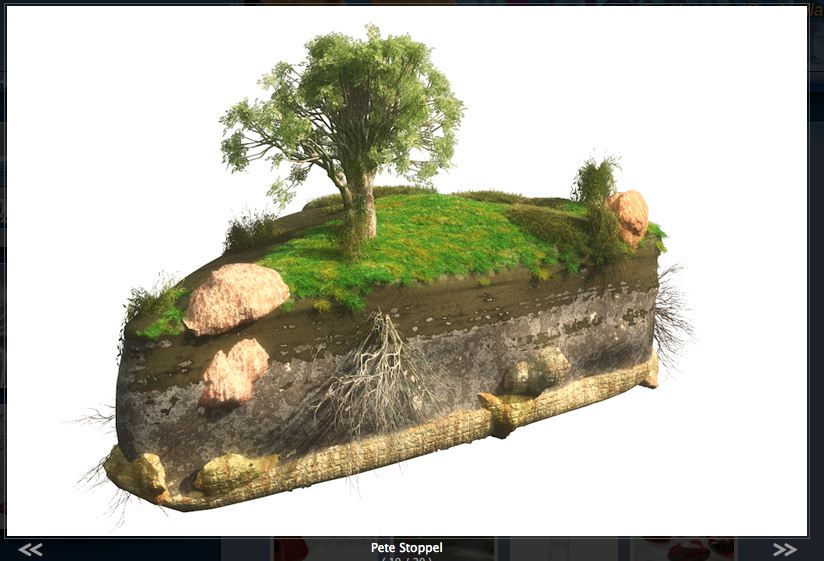
terrain by Pete Stoppel
Vertex Tools
The other plugin is called Vertex Tools. This program has tools which work differently than Artisan but has some advantages over it in the way the selection tools work. Designed by Thom Thomassen, a modelmaker from Norway who has also designed an incredible number of other useful free plugins, has designed a set of tools that are what the Sandbox Tools aspire to be. At $20 it, like Artisan, is a real bargain. The video below will give you a quick overview.
The selection tools allow you to set how the tool affects the surrounding polys with either a linear or cosine fall-off. This one is really a must when you are creating terrain.
At a total cost of $59 dollars, these plugins will give you a huge boost in your modeling capabilities. If you use Sketchup, they should be your next purchase. You won’t be sorry.

 The Designer's Assistant